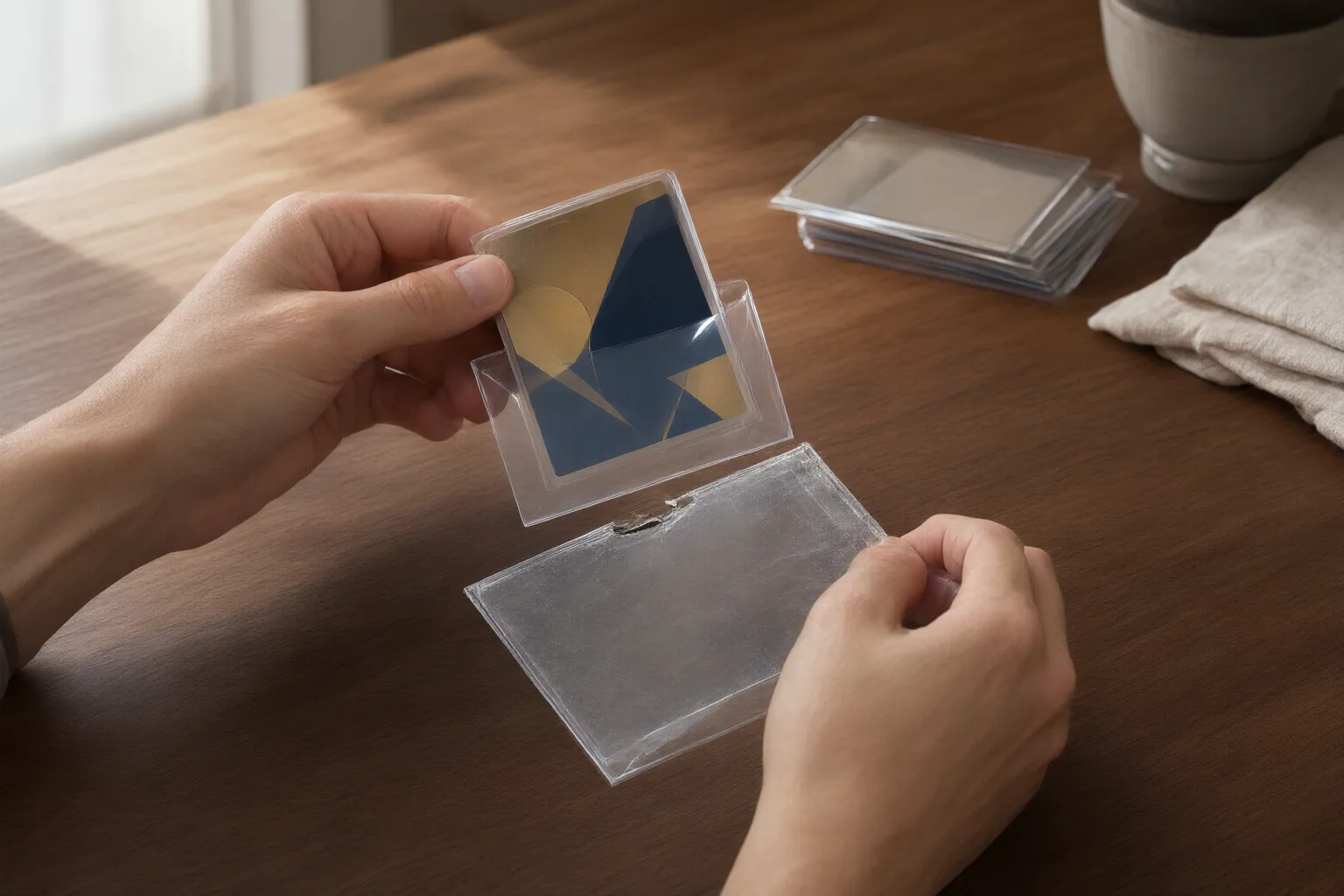
Replace a card sleeve when cloudiness, wear, splitting or contamination means it no longer provides clean, intact protection. There is no supported fixed replacement schedule: inspect the sleeve, select the correct size and change it carefully without forcing the card.
When a Cloudy or Worn Sleeve Should Be Replaced
Judge a sleeve by its protective condition rather than its age. Dragon Shield says sleeves help protect cards from scratches, dirt, spills and everyday wear. If visible cloudiness, grime, splitting or other wear prevents a sleeve from remaining a clean and intact barrier, replacement is a sensible editorial decision.
Inspect the front, back, edges and opening under good light. Cloudiness alone has no documented numerical threshold in the supplied sources, so consider whether it interferes with inspection or accompanies dirt or physical deterioration. A split edge or damaged opening is a clearer indication that the protective layer has been compromised.
Neither manufacturer source gives a fixed replacement interval. Consequently, replacing every sleeve after an arbitrary number of months would not be evidence-backed. Cards handled frequently may merit more regular inspection, but the decision should still rest on the sleeve’s visible condition and ability to perform its protective role.
Choose a Replacement Sleeve That Fits the Card
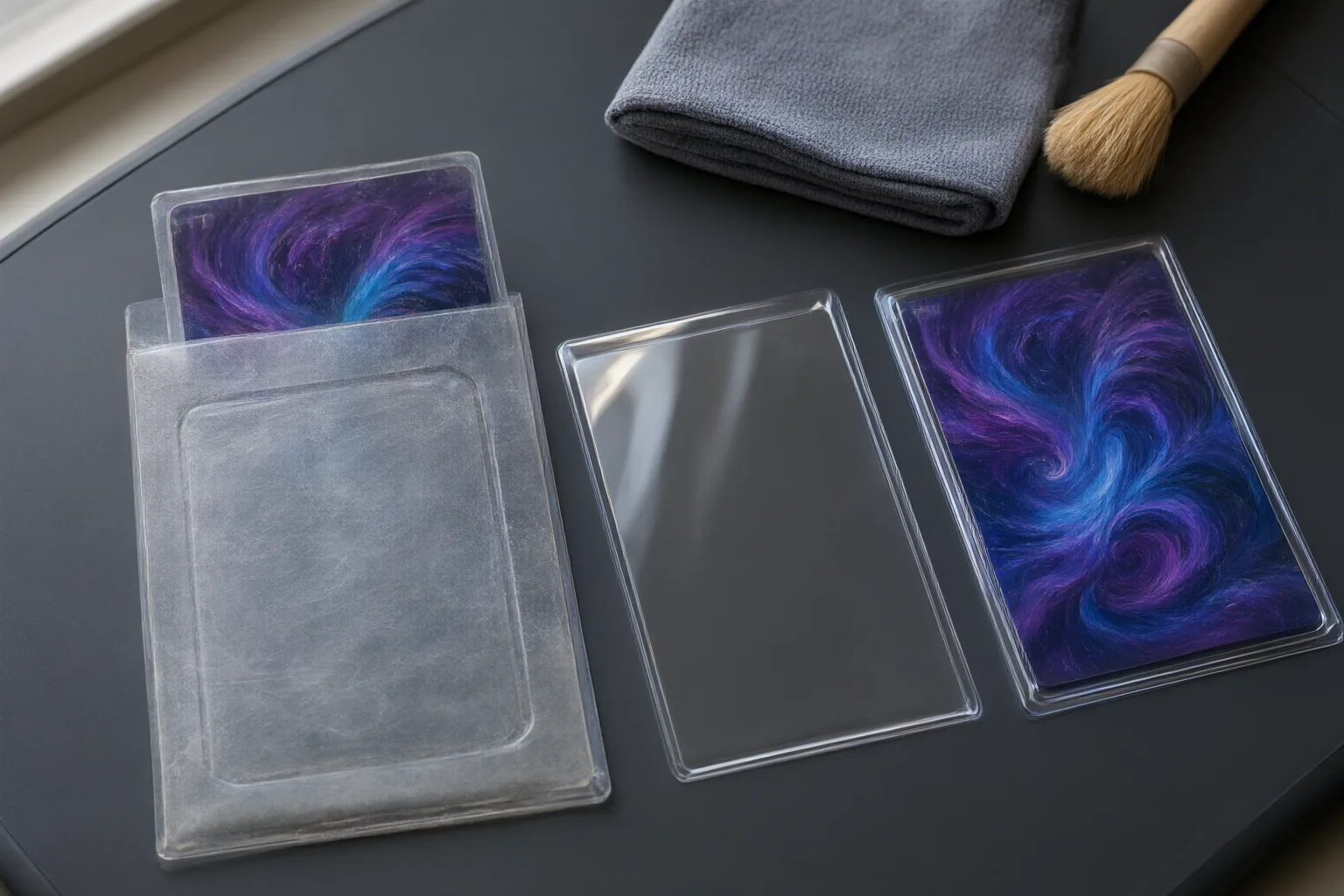
Match the replacement sleeve to the card format rather than relying only on a familiar product label. Dragon Shield states that its Standard Size sleeves accommodate cards measuring up to 63 × 88 mm, while its Japanese Size sleeves accommodate cards up to 59 × 86 mm. These are documented maximum dimensions for that manufacturer, not universal measurements for every sleeve brand.
Confirm the card’s format and compare it with the stated sleeve dimensions before inserting the card. A suitable sleeve should accept the card without being forced while avoiding an obviously inappropriate fit. If the format is uncertain, check the card system’s documented dimensions before selecting a sleeve.
Material claims should also remain brand-specific. Dragon Shield describes its own sleeves as archival safe, PVC-free and acid-free; those characteristics should not be assumed for unrelated products without checking their documentation.
How to Change a Card Sleeve Carefully
The manufacturers’ supplied material does not provide a detailed, card-specific resleeving method, so the following steps are cautious editorial guidance rather than a manufacturer-verified procedure.
- Prepare a clean handling area and have the correctly sized replacement sleeve ready before removing the old one.
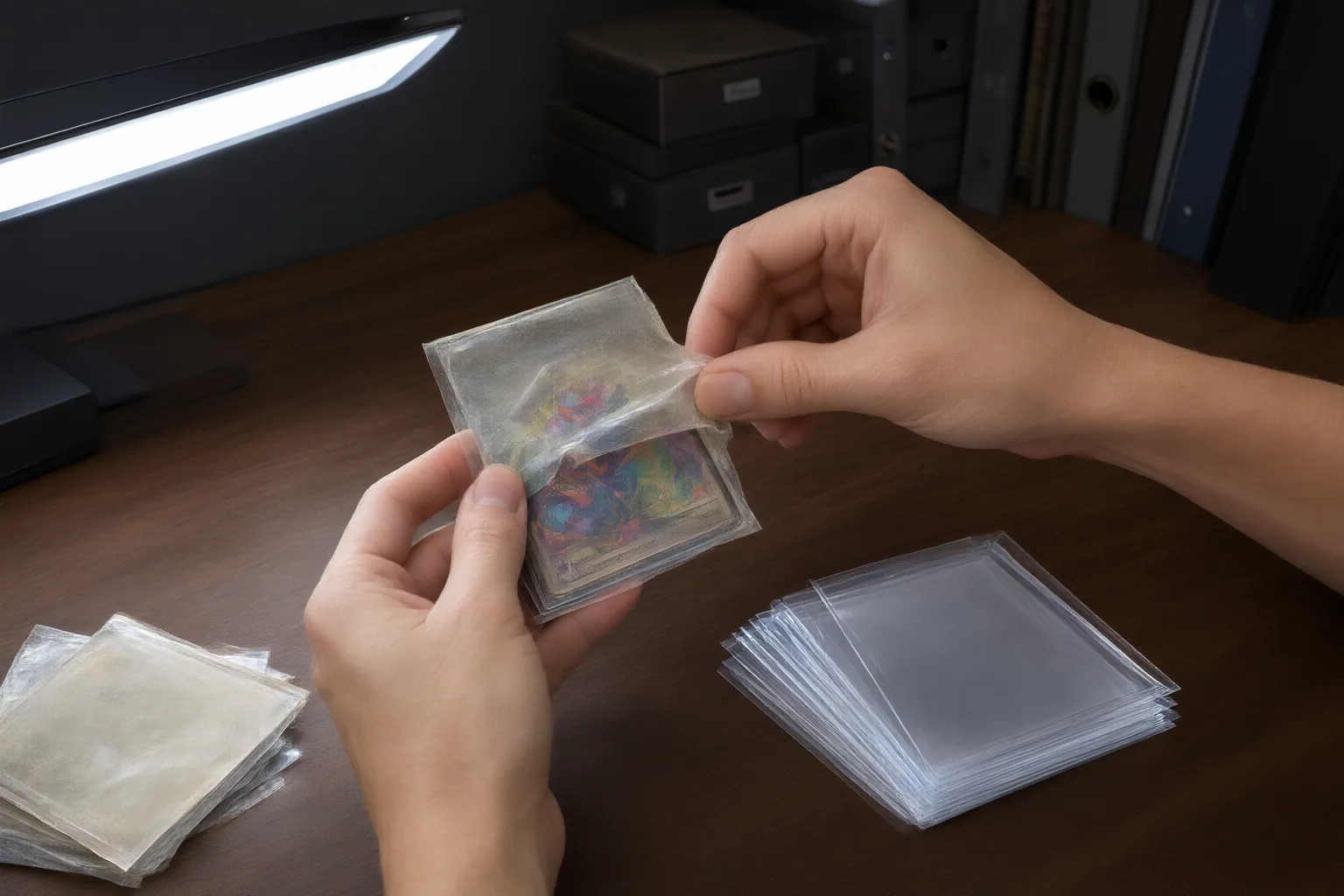
- Remove the card from the worn sleeve carefully. Do not force it through a tight or damaged opening; pause if the card meets resistance.
- Check the card and work area for visible debris before introducing the replacement sleeve. The purpose is to avoid carrying obvious dirt or grime into the new protective layer.
- Open the soft sleeve and slide the card into it gradually, stopping if the fit requires force. Recheck the dimensions if the replacement appears unsuitable.
- Inspect the newly sleeved card before returning it to storage.
If the card is stored in a toploader, retain the soft inner layer. Ultra PRO distinguishes flexible sleeves from rigid or semi-rigid toploaders and treats them as complementary protection. It recommends placing a card in a protective polypropylene or penny sleeve before sliding it into a toploader. The company says this inner sleeve prevents direct contact with a PVC toploader and provides additional protection from dirt, dust and grime during storage or display.
Conclusion
There is no supported timetable for replacing cloudy card sleeves. Inspect whether each sleeve remains clean, intact and capable of serving as a protective barrier. Replace sleeves compromised by cloudiness, contamination, splitting or wear, confirm that each replacement matches the card format, and preserve the soft-sleeve layer when using a toploader. Check your sleeved cards under good light now, change compromised sleeves carefully, and inspect the new fit before returning the cards to storage.
Disclosures and limitations
- This AI-assisted article is based solely on the cited manufacturer materials. It contains no claim of hands-on testing and makes no affiliate product recommendation.
Related reading
Sources
- A Top To Bottom Guide on Toploaders — Ultra PRO International
- Card Sleeves — Dragon Shield