
Print registration errors affect the alignment of printed colours, while wear and damage appear in condition categories such as corners, edges and surfaces. Inspect these features separately, document only what is visible and avoid treating any single clue as proof of origin or a guaranteed grade.
What a Print Registration Error Looks Like
In multicolour printing, registration is the alignment of colour patterns printed separately. When those patterns do not line up correctly, the result is a positional mismatch known as a registration error.
Visible signs can include coloured fringes around printed elements, misplaced colour, unwanted overlap, white gaps or an image that looks fuzzy or blurred. A useful first check is whether the irregularity follows the boundaries of artwork, lettering or another printed feature. Repeated colour separation along those boundaries is more consistent with imperfect registration than with an isolated physical mark.
These indicators come from general printing principles rather than a trading-card-specific authentication standard. They can guide inspection, but they cannot by themselves establish exactly how or when an individual card acquired a particular feature.

Registration Clues vs Wear and Surface Damage
Begin with the printed image. Look for colour separation, halos, blur or white space that follows printed boundaries. Record where the effect appears and whether it is repeated across related parts of the design. Describe the observation precisely—for example, as colour displacement beside a printed line—without immediately declaring its cause.
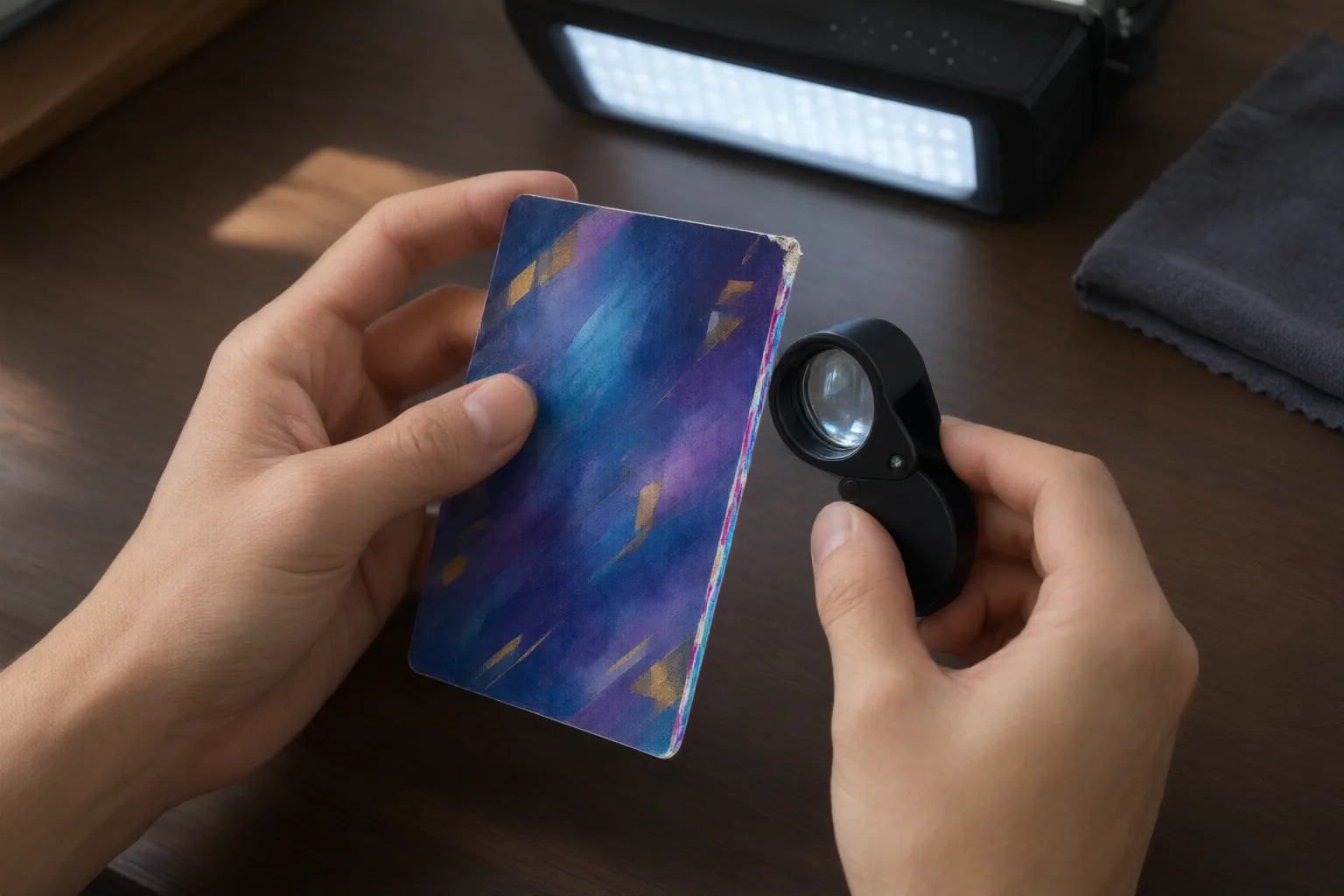
Next, inspect the card’s physical condition as separate categories. Check corners and edges for whitening, nicks or fraying. Examine the surface for scratches, dimples and changes in gloss. Iconic Grading Co’s published criteria distinguish these physical features from factory print specks, print lines and out-of-register focus, illustrating why they should not be combined into a single general impression of quality.
Location and appearance can help organise observations: a coloured fringe tracking an image boundary differs visually from edge whitening, while a displaced printed colour differs from a scratch crossing the surface. Even so, visual inspection cannot definitively prove when a defect occurred. Photograph and record each feature independently instead of using registration as an automatic explanation for every mark.
How Misregistration May Affect a Grade
The presence of misregistration does not translate into one universal grade. Iconic Grading Co assesses registration or print focus alongside distinct categories for corners, edges and surface condition. Its published criteria indicate that the effect of a production anomaly can depend on its extent and presentation: extremely slight production anomalies may be permitted at its highest level, while slight registration softness may be allowed at some lower levels when it is not distracting.
This makes degree important. A minor softness and an obvious, distracting colour displacement should not be treated as equivalent observations. Other condition issues also remain relevant because scratches, dimples, gloss loss, nicks, fraying and whitening are assessed independently in the cited criteria.
These thresholds belong specifically to Iconic Grading Co. They are not evidence of an industry-wide rule and cannot predict the decision of another grading company. Before submitting a card, consult the intended company’s current criteria rather than transferring these tolerances to a different grading system.
Conclusion
Use a category-based inspection: first document alignment within the printed image, then record corners, edges, gloss and surface condition separately. Note coloured fringes, blur, misplaced colour or gaps without automatically equating them with whitening, nicks, scratches, dimples or gloss loss.
Do not assign a universal grade from misregistration alone or claim that visual clues establish a defect’s history. Photograph what you can see, keep the descriptions neutral, and compare every observation with the current criteria published by the grading company you intend to use before deciding whether to submit the card.
Disclosures and limitations
- This article was prepared with AI assistance from the supplied general printing reference and Iconic Grading Co criteria. The grading examples are company-specific, and the inspection framework is not remote authentication or a grade guarantee.
Related reading
Sources
- How to Fix PDF Print Errors – PrintReady247 Blog — PrintReady247
- Printing registration – Wikipedia — en.wikipedia.org
- Card Grade Levels – Iconic Grading Co — Iconic Grading Co – Collectible Card Grading Services